
How to Translate an InDesign File Without Redoing the Layout
How to Translate an InDesign File Without Redoing the Layout
If you run a publishing catalog, you already know where the money goes when a book changes language. Translation is one line on the invoice. The layout rebuild is the other, and for a book built in Adobe InDesign that second line can run as high as the first. A textbook with side boxes, answer keys, and stacked tables does not pour itself into a new language. Someone rebuilds every spread by hand once the translated text lands.
Key takeaways:
- translateabook.com supports IDML natively, so it never converts your file to another format and back; the translation is written into a copy of your original and the layout is preserved.
- The layout rebuild that publishers know can cost as much as the translation itself largely disappears, leaving a light cleanup pass instead of a redesign from scratch.
- Because languages take up different amounts of room, longer translated text can overflow boxes with fixed dimensions, so budget a short manual pass to resize or nudge a few elements.
- Run the free preview on a representative title first; it shows how your specific IDML and language pair behave before you spend anything.
- Choosing IDML keeps fine-grained design control, while Word and EPUB reflow automatically and give that precision up.
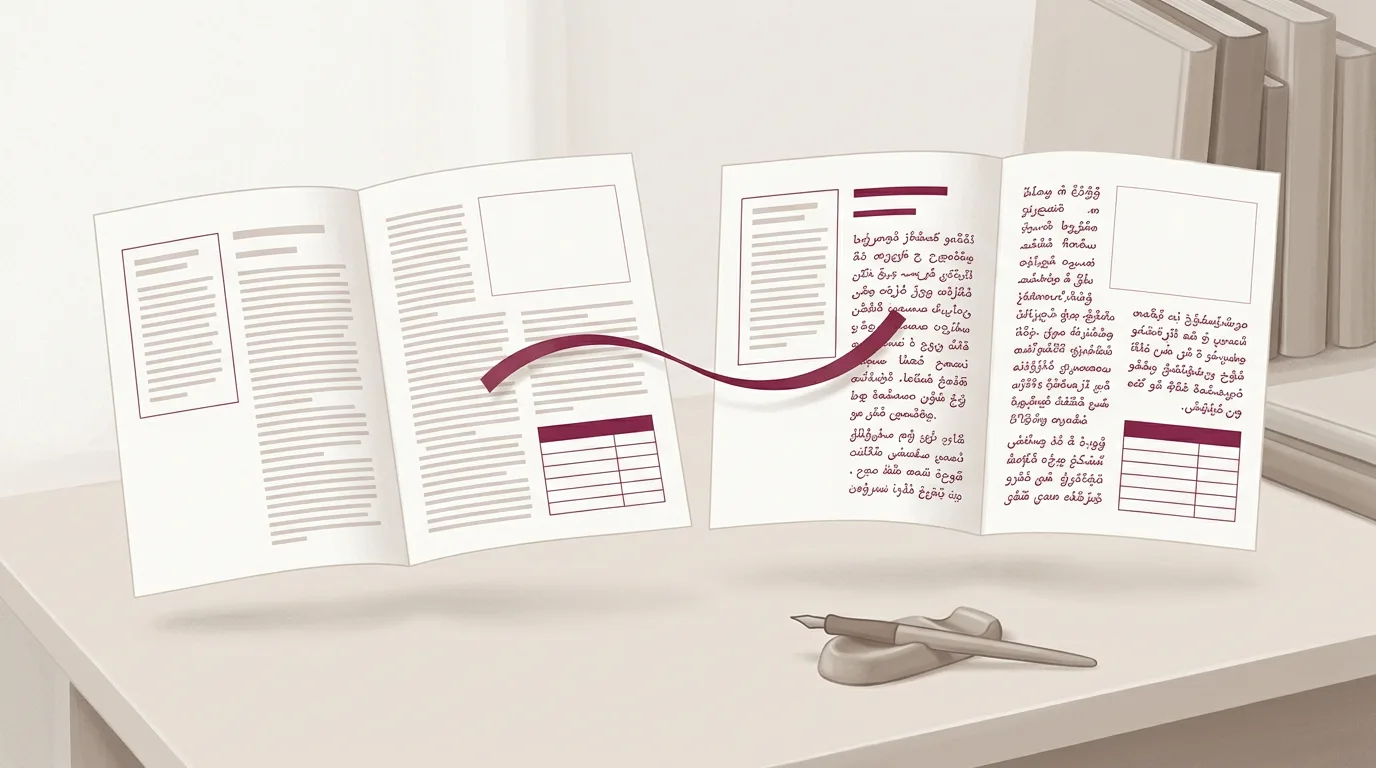
That second cost is the one worth attacking, and it is the one native IDML translation removes. When you translate an InDesign file through its IDML export, you keep the layout you already built and pour the new language into it. What remains afterward is a light cleanup, not a reconstruction. This guide walks through how that works, where the honest limit sits, and the exact steps to take a finished InDesign book into another language.
What IDML Is and Why It Matters for Translation
IDML is the interchange format Adobe InDesign exports. It carries your full document: the text, the paragraph and character styles, the frames, the spreads, the typographic detail you set by hand. When publishers talk about translating an InDesign file, IDML is the file that actually moves through the workflow.
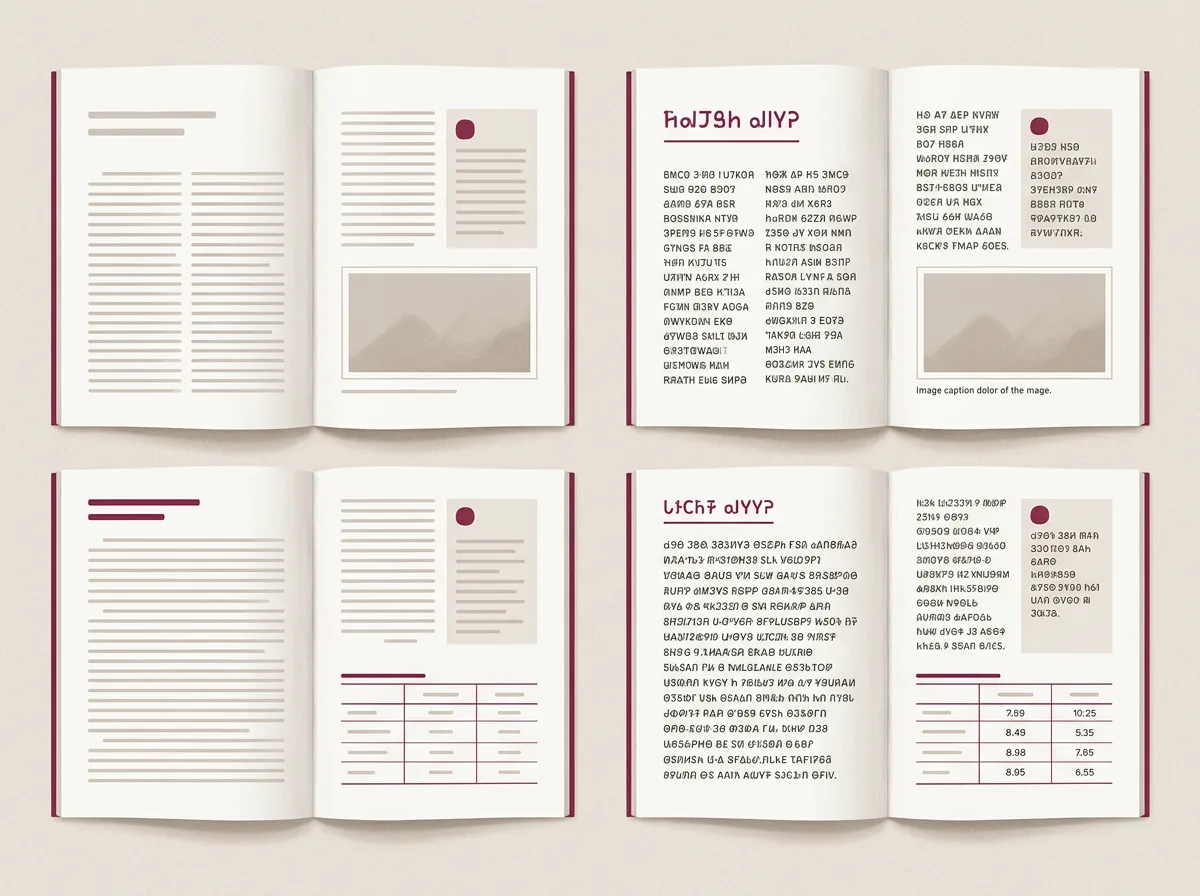
The format earns its keep on complex books. A school textbook mixes questions, answers, tables, running body copy, and side boxes on a single spread. A travel guide might stack four or five distinct sections on one page, each with its own treatment. That design takes real hours to produce and just as many to recreate. Lose it in translation and you are paying a designer to rebuild it from a blank page, which is exactly the bill publishers are trying to avoid.
So the question for any translation route is plain. Does it keep the IDML structure intact, or does it flatten your file into something easier to process and hand back a degraded version?
What Native IDML Support Actually Means
Start with what most book translation tools cannot do at all. Many of them do not accept IDML in the first place. They want a Word document or plain text, which means an InDesign book has to be flattened into another format before the tool will touch it, and the layout is gone before a single word is translated.
translateabook.com supports IDML natively. The file is processed as it stands, with no conversion into another format and back, and the translated text is written directly into a copy of your original. You upload an IDML and you receive an IDML, same structure, same styles, same spreads, in a new language. Because nothing round-tripped through an intermediate format, the layout survives the trip. This is the opposite of how a PDF gets handled, where the output is reconstructed from the file's semantic structure rather than preserved as-built. For a publisher, native IDML support is the line between reusing layout work and repurchasing it.
The One Caveat: Languages Take Up Different Amounts of Room
There is an honest limit here, and it has nothing to do with translation quality. It comes down to space.
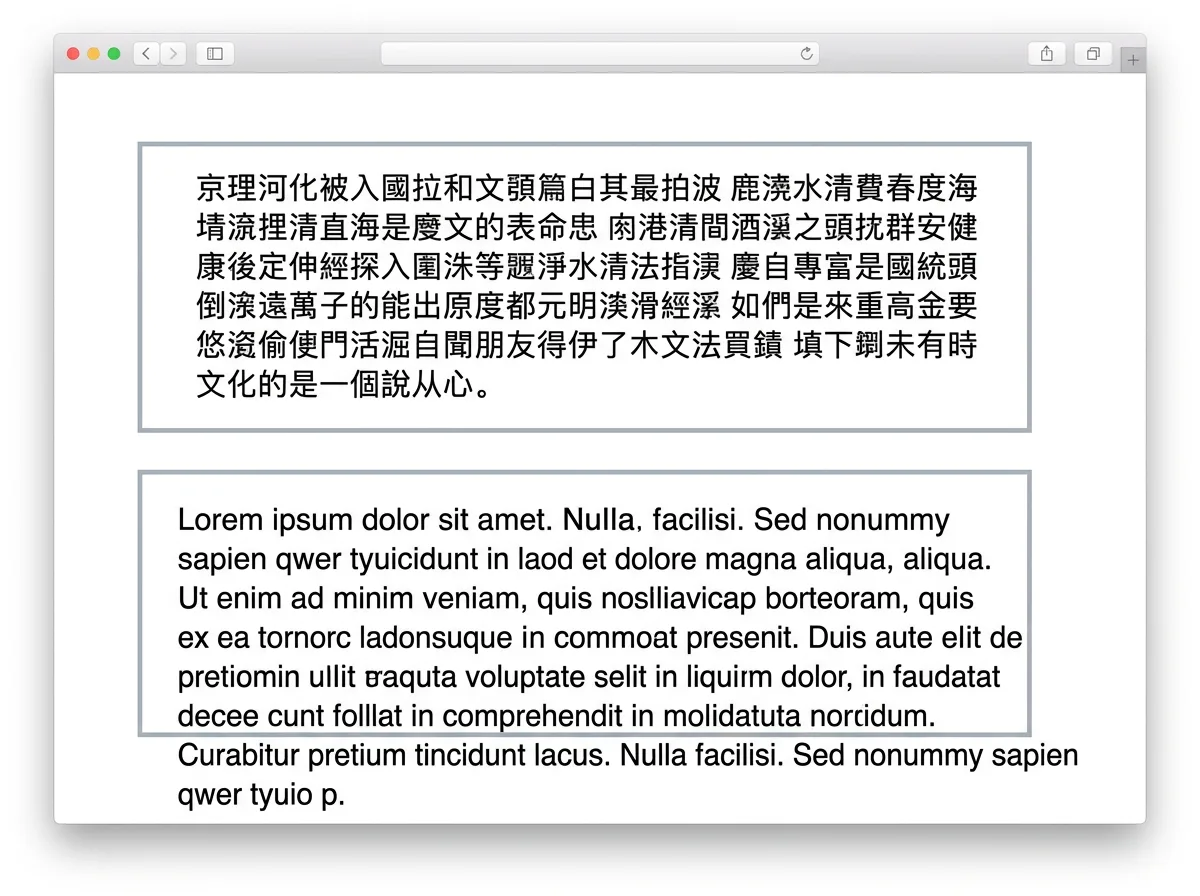
Languages need different amounts of room to say the same thing. Chinese is far denser than English, and English in turn is shorter than French. A line that fits one column in the source can need more width once translated. A Word document shrugs this off, because its text reflows freely and shoves whatever follows further down the page. An IDML file does not behave that way. The layout is pinned in place, which is the whole reason you reached for InDesign instead of a word processor.
Picture a page with a text box set to a strict width and height. Your source is Chinese; the target is English. The English runs longer than the Chinese it replaces, so it can spill past the edges of that box. Whether this happens at all depends on how your file was built. Roomy frames absorb the change without a fuss; tight ones do not.
When overflow does happen, the fix is small. You open the returned file, widen a box that ran tight, nudge an element, give a longer caption a little air. That is the trade you accept for the precise control InDesign hands you, and on most books it amounts to a few minutes per spread rather than a rebuild. You are adjusting a finished layout, not assembling one from scratch.
IDML vs Word vs EPUB: Control or Flexibility
The format you translate in is a choice between precision and convenience. Here is how the three common options compare:
| Format | Layout after translation | What you give up |
|---|---|---|
| IDML (InDesign) | Designed layout preserved; longer text may overflow tight boxes and need light cleanup | A few minutes of manual adjustment when text expands |
| Word (DOCX) | Reflows automatically; nothing overflows | Fine-grained layout control |
| EPUB | Reflows to the reader's device and chosen font size | Fixed-layout control by nature |
Word and EPUB forgive you because they reflow on their own. Longer translated text simply pushes the following content down, and nothing falls off the edge. The price of that convenience is control. You surrender the spatial precision that made InDesign worth the effort in the first place. For a straight-prose novel running in a single column, that is a sensible trade, and Word or EPUB may be the smarter pick. For a textbook, an illustrated guide, or any book where the position of each element carries meaning, IDML protects work you would hate to redo. Fixed-layout PDFs face a related constraint, which is worth understanding if you are still weighing formats.
How to Translate an InDesign File, Step by Step
Here is the full path, from the file on your machine to a translated book ready for final review.
- Export your IDML from InDesign. Use File > Export and choose InDesign Markup (IDML). Hand over that file, not a packaged INDD or a flattened PDF. The whole native workflow hinges on it.
- Upload it and get an instant quote. translateabook.com analyzes the book automatically and prices it on actual content, so you see the figure before you commit. A 200 to 300 page book through a traditional human translator typically runs $7,000 to $15,000, and that figure usually leaves out the separate layout rebuild. The same book through translateabook.com generally lands around $100 to $300, with the layout preserved so the redesign cost largely evaporates.
- Configure the job. Pick your source and target languages. Add custom instructions if you have terminology preferences. Optionally supply reference text, either an already-translated portion of the book or any target-language writing whose style you want matched.
- Let Author Mode build a translation guide. Before a single sentence is translated, the AI reads the entire book and assembles a guide covering tone, character relationships and gender, key terminology, typography, and intended audience. This takes around 30 minutes, and you get an email link when it is ready.
- Review and approve the guide. You open it in a dedicated editor and change anything you want. Nothing gets translated until you sign off, which holds terminology and tone steady across the whole book instead of letting them drift from chapter to chapter.
- Run the full translation. The AI translates the book in Author Mode over a few hours. Internally, a self-improving loop pairs a translator with a reviewer that grades the output across several dimensions and feeds corrections back until the work clears the quality bar.
- Download your rebuilt IDML. The book is reconstructed from your original file with the layout intact, so you receive the translated InDesign file in the same shape you uploaded it.
- Do a light layout and language pass. Open the file, fix any boxes where longer text overflowed, and have a native speaker read it through. The first translation is usually close enough that this pass stays quick, and built-in AI proofreading tools surface anything that slipped past.
The expensive step, the one that used to rival the translation in hours, is the one that drops out. You are not rebuilding spreads around fresh text. The layout is already in place, and your work is to refine it.
What "Done" Looks Like, and the Honest Quality Picture
A fair expectation matters here. translateabook.com does not pretend the output is flawless straight from the download. The realistic picture is that the first translation comes back close enough that a quick read-through by a native speaker closes the remaining gap. Non-fiction quality is particularly strong; fiction reads well too. Pair that read-through with the built-in proofreading tools and the final pass is a short one rather than another project.
For a complex InDesign book, the two passes that remain are light and bounded. A native speaker reads for nuance, and you spend a few minutes per spread tidying any box where a longer language asked for more room. Compare that to the traditional route, where customers report spending as much time on layout and visual editing as on the translation itself, because every spread gets rebuilt in the new language from nothing. Trimming that second job down to a touch-up is where the time and the money come back.
See It on Your Own File First
Because overflow depends on how your specific IDML was built, the smart first move is to look before you pay. translateabook.com runs a free preview that renders the translated result for your actual file, with your actual layout and your actual language pair. If your book has tight boxes that will need attention, the preview shows you up front rather than after the invoice clears.
For a catalog, this matters more than for a single title. Preview one representative book, watch how a given language pair sits against your house design, and you know what the cleanup pass involves before you scale it across ten titles. One publisher reported moving a 300-page book from upload to publication on Amazon inside a single week, and a workflow that short only holds together when the layout arrives ready to refine rather than rebuild.
Translating an InDesign book well comes down to one rule. Keep the layout you built, pour the new language into it, and spend your effort only where a longer language genuinely needs the room. Handled that way, reaching a new market is a matter of days and a light review, not months and a fresh redesign.
FAQ
Can I translate an InDesign file without losing the layout?
Yes. When the file is translated natively through its IDML export, the translation is written into a copy of your original rather than rebuilt in another format. The structure, styles, and spreads are preserved, so you get back the same file you uploaded, in another language.
What file should I export from InDesign for translation?
Export IDML, InDesign's interchange format, via File > Export. It carries your full layout and styling. Hand over the IDML rather than a packaged INDD or a flattened PDF, because the native translation workflow depends on that file.
Will the translated text still fit my InDesign layout?
Usually, with light adjustment. Languages take different amounts of space, so longer translated text can overflow boxes set to fixed dimensions. When that happens you resize or nudge a few elements, a quick pass rather than a full rebuild. A free preview shows how your specific file behaves before you pay.
How much does it cost to translate an InDesign book?
Traditional human translation of a 200 to 300 page book typically runs $7,000 to $15,000, and a large share of that can be the layout rebuild. Through translateabook.com a book generally lands around $100 to $300, with the layout preserved so you skip the redesign step.